When you first add a new Praise app to your editor it will be populated with sample testimonials to to give you an idea of how it will eventually look. The sample testimonials do not appear in the list of active testimonials and will disappear automatically once you add your first testimonial.
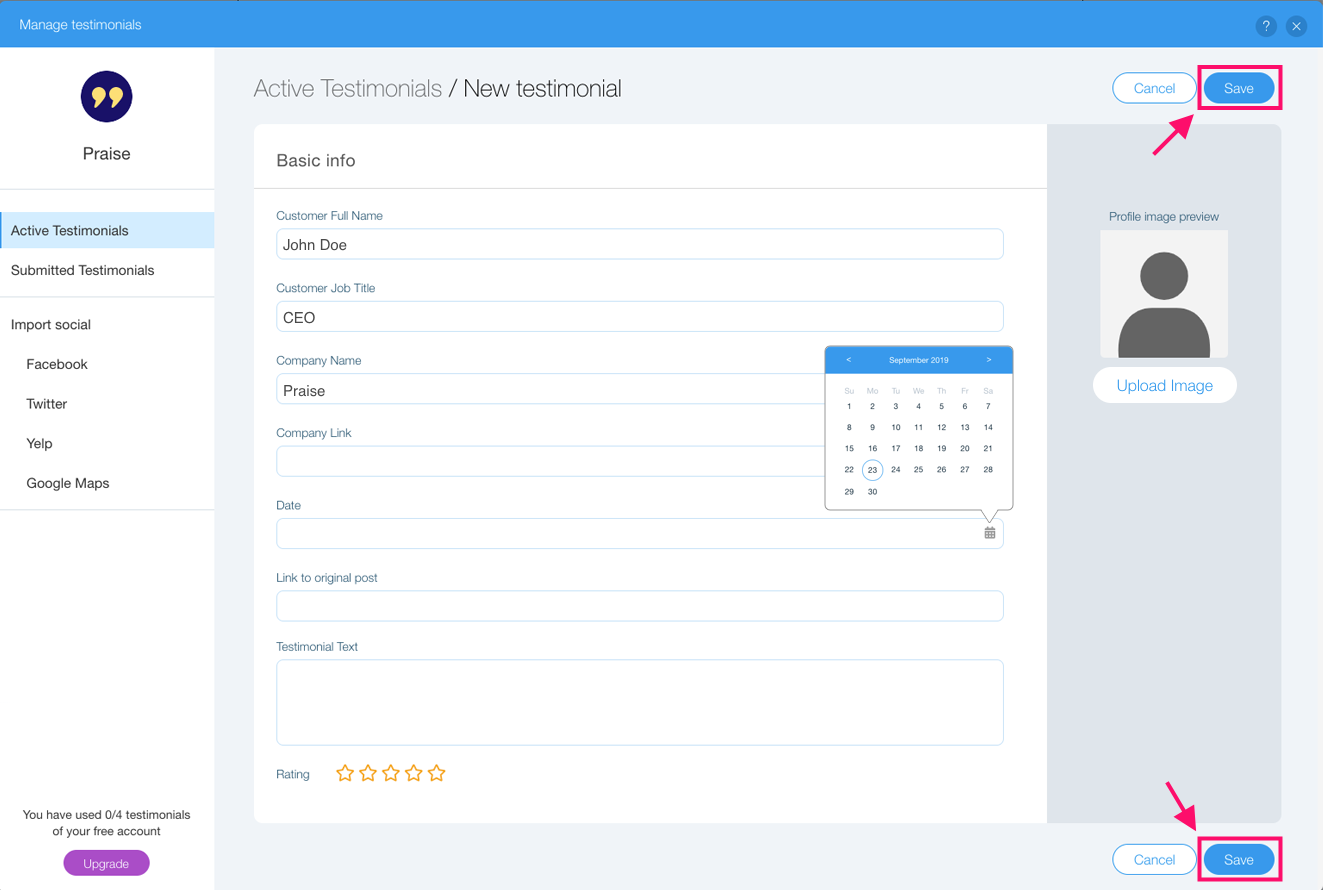
To add a testimonial first open the settings panel, hit the "Add testimonial" button on the "Main" tab and fill out the testimonials details. When you're done hit "Save" and the new testimonial will appear in the "Active testimonials" list.
Comments
0 comments
Article is closed for comments.