Slider layout displays one or more testimonials in a row, allowing the user to rotate between the different sets of testimonials using the arrows, the navigation dots, or the swiping gesture. The number of testimonials displayed at once is determined by the Column parameter, while the Max number of slides determines the total number of slides that will be available.
Navigation options
The navigation options of the slider layout are split between the following 3 sections:
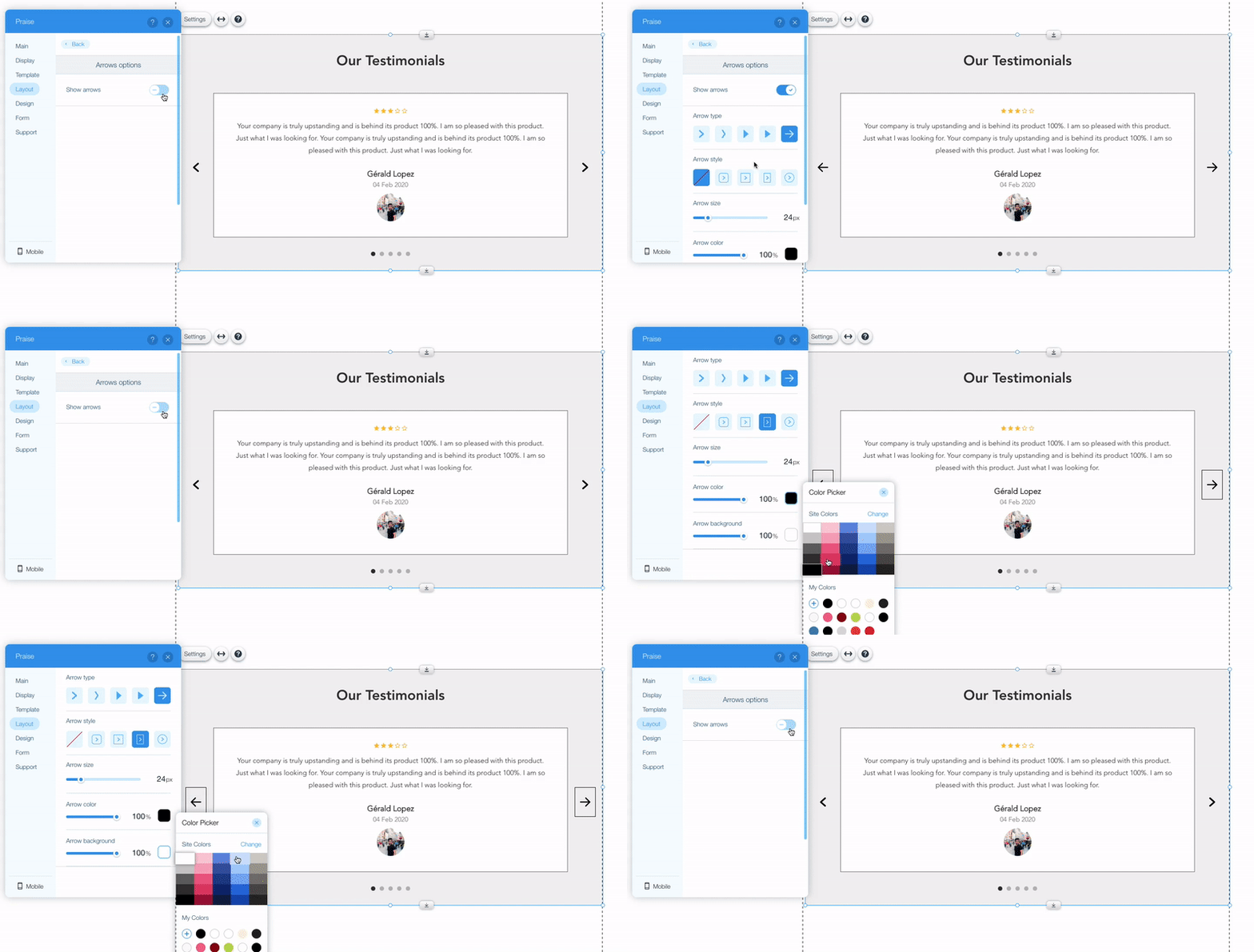
- Arrows options settings allow turning the arrows on and off. If turned on - more design options are available, such as the arrows colors, size, shape, etc.
- Dots options settings allow turning the navigation dots on and off. Dots help the user understand how many slides are before and after the current slide; clicking on the dots switch the view the selected slide. If turned on - Dot size and Dots color parameters also become available.
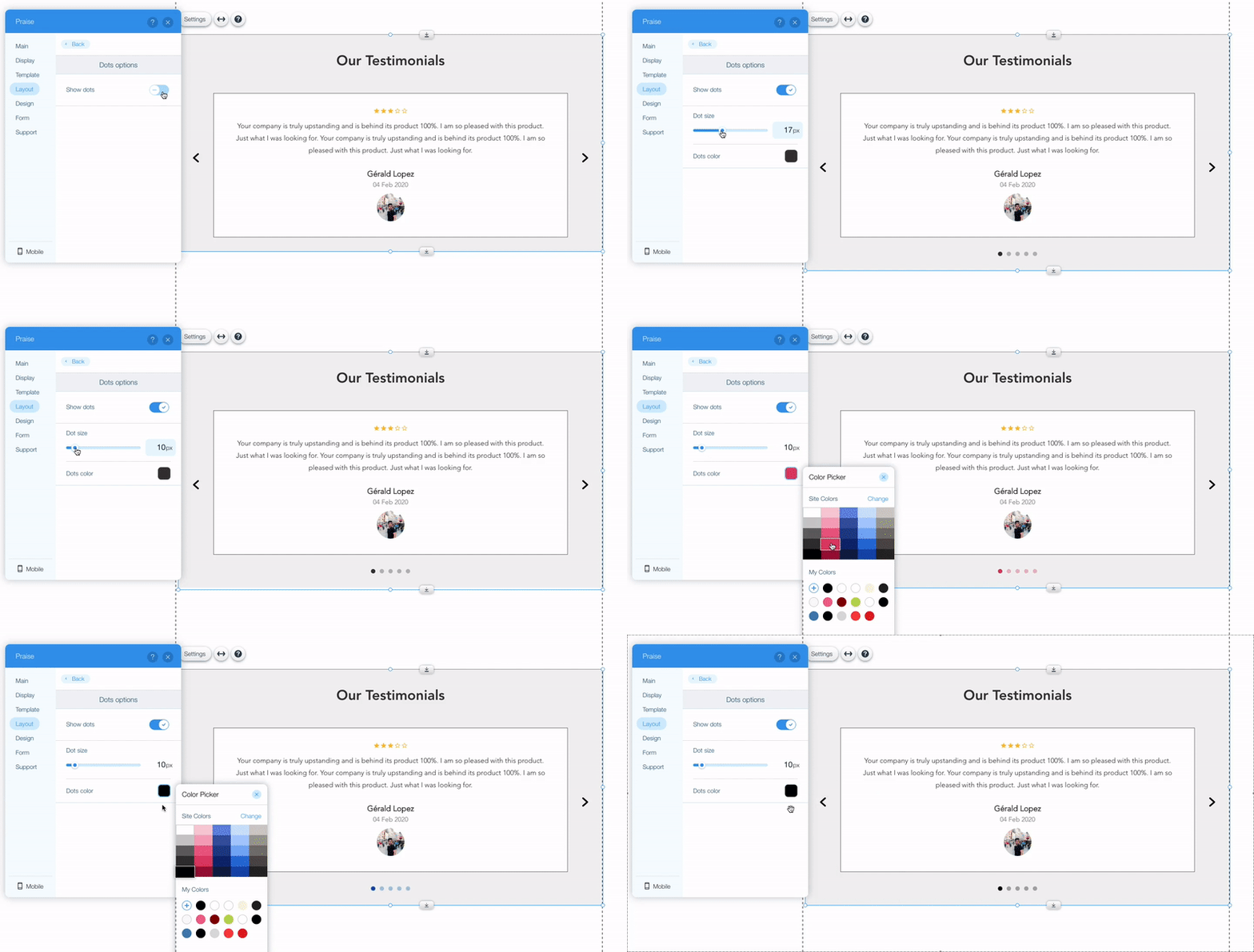
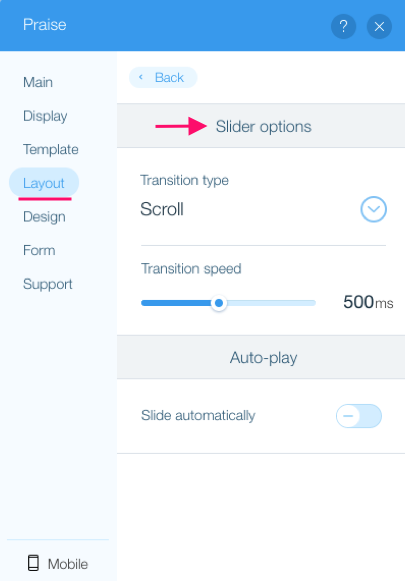
The dots will not be displayed if all the testimonials can be displayed in a single slide. - Slider options settings offer further customization of the slider behavior, such as the speed and the type of the transition animation. In addition, it allows turning on and configure the auto-play feature.
Comments
0 comments
Please sign in to leave a comment.